 Device Maintenance Remote Device Settings
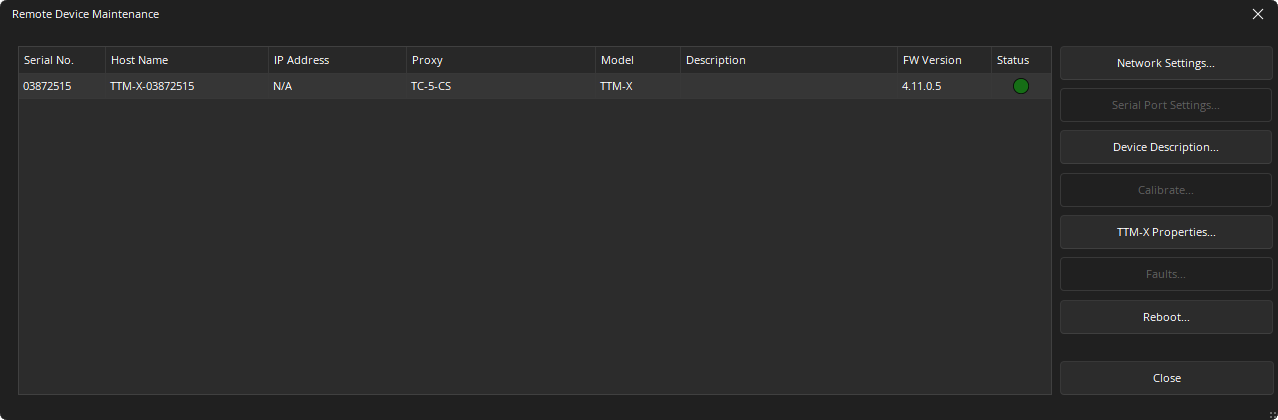
This area is used to define the IP and other Device maintenance settings of Expander class devices. This includes any EX-MOD, EX-AEC, EX-IN, EX-OUT, EX-IO, EX-LOGIC, EX-UBT/EX-USB, Parlé Microphones, Tesira Amplifiers, Lab.Gruppen Amplifiers, HD-1, TEC-1, NPX Paging Systems,TEC-X 1000 and TEC-X 2000 Ethernet devices connected to the control or AVB network of the selected Tesira device.
Remote Device Maintenance Dialog
Network Settings
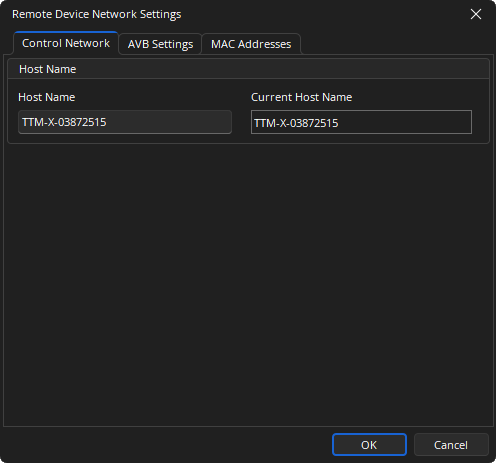
Control Network Tab
Allows the Host Name and IP settings to be defined on the expander. Some devices use Layer 2 (AVDECC) for communicating with the Tesira proxy device, therefore the IP Configuration fields will not be available for these devices.
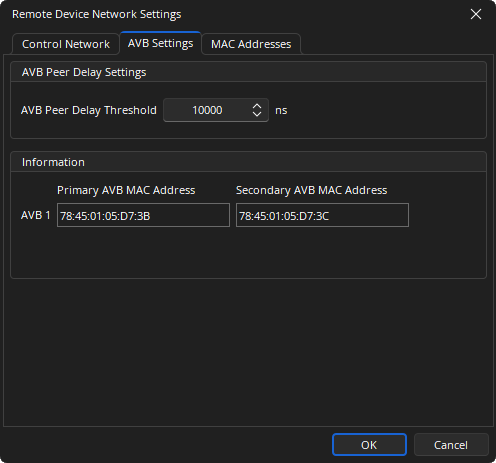
AVB Settings Tab
This allows adjustment of the AVB Peer Delay Threshold. This may require adjusting to a minimum value of 10,000ns if media converters are used to connect audio the expander(s) and audio dropouts or artifacting is being experienced. The setting used should also be matched in the server device and can be set using the AVB Settings of the Device Maintenance Network Settings dialog.
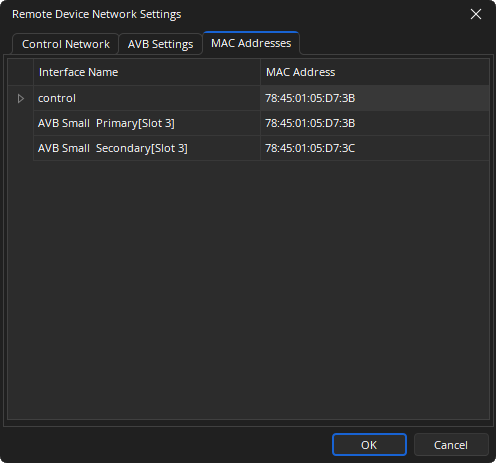
MAC Address Tab
Displays the MAC address(es) of the expander device.
Serial Port Settings
Allows the device serial port baud rate to be configured. This option will be unavailable on devices without a serial port selected.
Expander Security Settings
For expanders that support security, Expander Security Settings prevents unauthorized users from modifying the paging system from Tesira prior to system configuration.
Device Description
Used to view and set a logical description of the device. Remote Device Description is visually and functionally identical to Device Maintenance Device Description.
Calibrate
Allows an attached Potentiometer to be configured. This option will be unavailable on devices without logic ports.
Properties
Some devices have a unique Device Maintenance properties menu that is only accessible while that type of device is selected:
- See TEC-1 Device Maintenance Properties for more details.
- See TEC-X Device Maintenance Properties for more details.
- See NPX Device Maintenance Properties for more details.
- See HD-1 Device Maintenance Properties for more details.
- See Parlé Mics Device Maintenance Properties for more details.
Faults
Will be available if a expander is reporting an issue. Please see the System Status and Faults sections of the Status Bar page for more details.
Reboot
Reboot Device will powercycle the selected device.