 System View
The System View Layout shows the partitions included in a system, how they connect, and the Audio & Video routing between them.
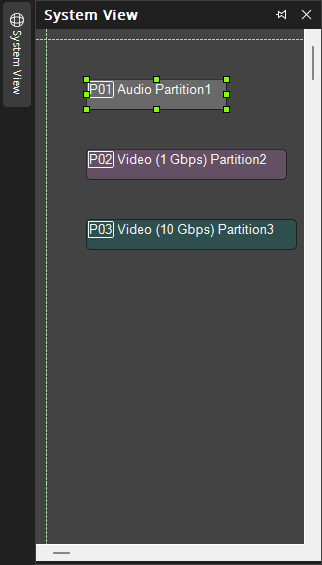
Text: Text Graphic Element can be placed in the layout. The block can be resized and text can be edited by a right-click on the graphic element and then choosing Edit Text from the drop-down menu as normal.
Speciality: Split Pass-Through blocks, see the Specialty sections of Audio and Video Objects, allow associated input and output wiring nodes to be placed in separate locations, with an implicit or 'wireless' connection being maintained between them.
Note: The System View is docking menu. See the Docking Menus section of the Menu Navigation page for additional details.