Overview
The Tools Tab ribbon menu is divided into Tools and Signal Path sections and is used to manage and modify component objects, lines, and labeling.
Tools
Provides a menu for managing and identifying objects and an option to apply line labels to connected ports.
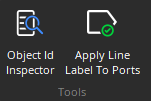
Object ID Inspector: Provides a list of all objects within the Layout, along with their Object Codes, Block Types, Text Labels, Partition Names, Partition IDs, Unit numbers, and Instance Tags. See the Object ID Inspector page for additional information.
Apply Line Labels to Ports: If a text label has been applied to a connector between blocks (by first selecting the connector, pressing enter and entering a text name)
Signal Path
Provides an identifier and signal path mode selections for connections between component objects.
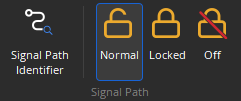
Signal Path Identifier: Provides a temporary color-coded identification of all media signal paths (audio and/or video) or Logic nodes which are associated with a selected Object. See the Signal Path Identifier page for additional information.
Persistent Signal Path Controls: Provides options for normal, locked, or off for persistent signal path identification.